המאמרים זמינים כרגע באנגלית. התרגום לעברית בדרך.
How to take a photo that can be analyzed
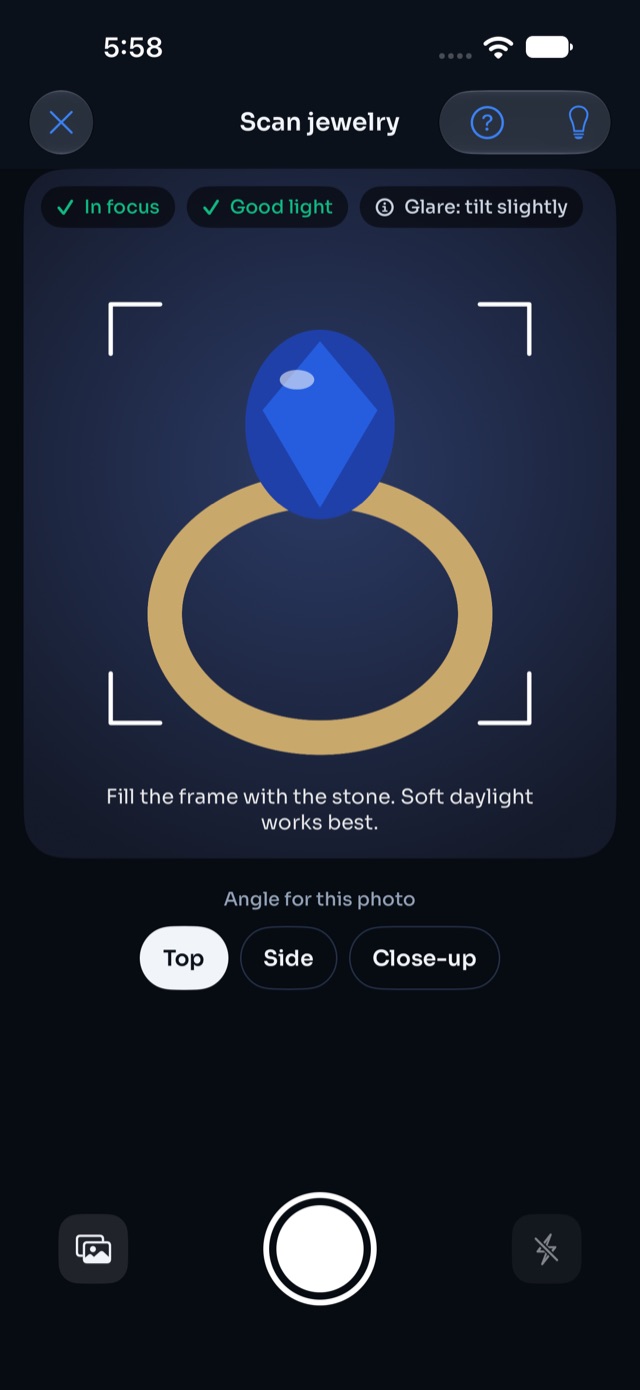
- Clean the stone so fingerprints and dust don't hide its color.
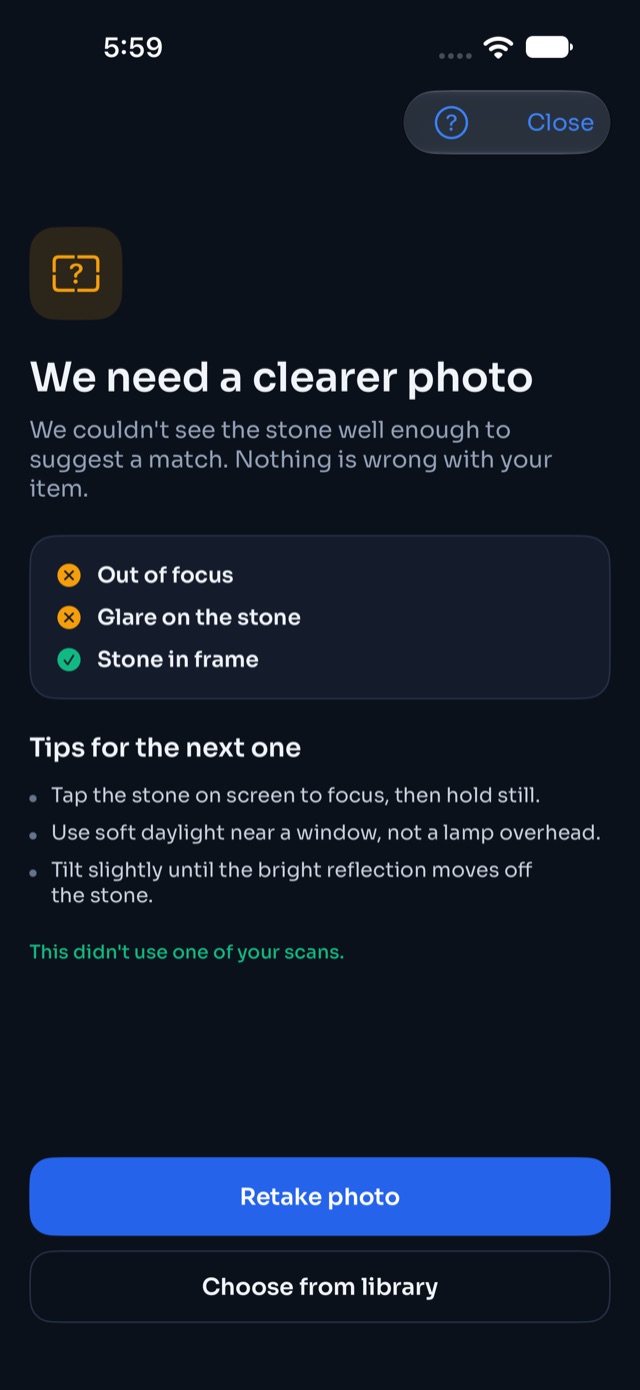
- Use soft daylight near a window. Avoid lamps directly overhead.
- Fill most of the frame with the stone and tap it on screen to focus.
- Tilt slightly until glare (bright reflections) moves off the stone.
- Add a side view if you can. A second angle helps tell lookalikes apart.
If GemID asks for a clearer photo, that scan doesn't count toward your free scans.
המאמר עזר?