المقالات متاحة حاليًا بالإنجليزية، والترجمة العربية في الطريق.
Refunds, restoring purchases and cancelling GemID Plus
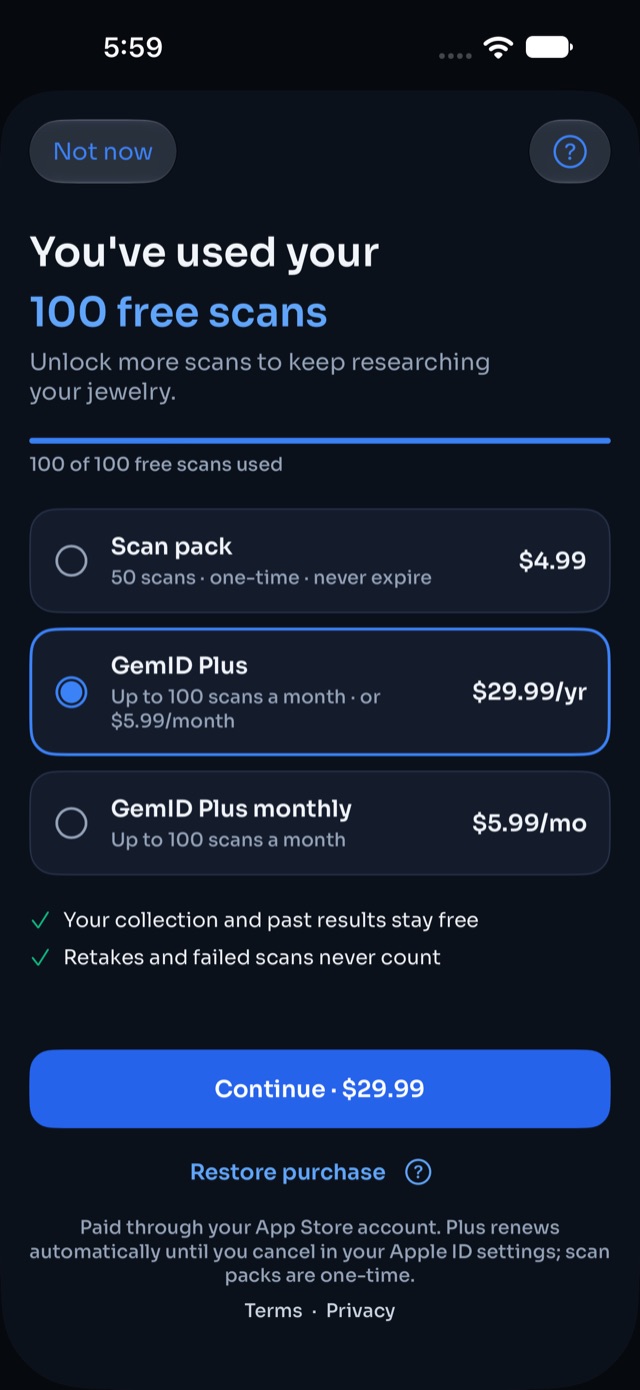
All purchases are made inside the app and billed by Apple or Google, so refunds and cancellations are handled by them.
- iPhone and iPad: Settings › your name › Subscriptions to cancel; request refunds at reportaproblem.apple.com.
- Android: Google Play › Payments & subscriptions to cancel; request refunds from your Google Play order history.
Scan packs are tied to your GemID account, so they appear on any device where you sign in. GemID Plus can be restored from the paywall with "Restore purchase".
هل كان المقال مفيدًا؟