How do I delete my account and photos?
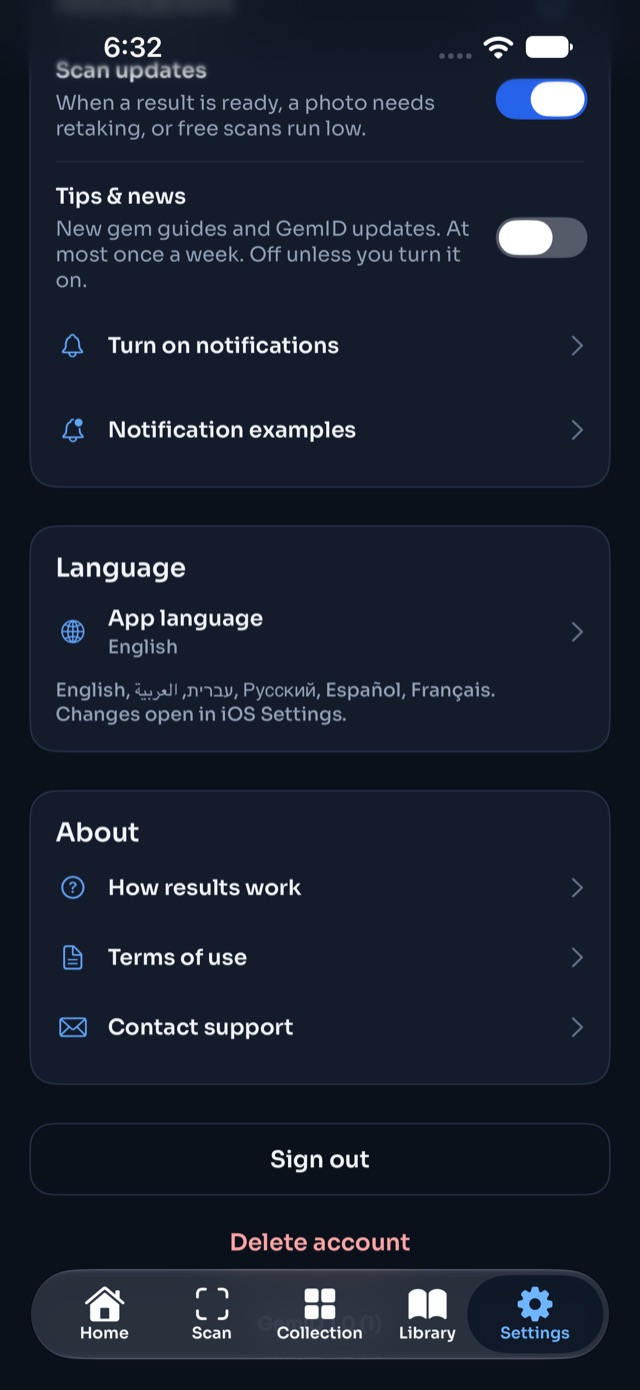
In the app, go to Settings › Delete account and confirm. This permanently deletes your account, every scan and photo, your collection, notes and certificate files.
Can't open the app? See the account deletion page for how to ask us by email.
Was this article helpful?